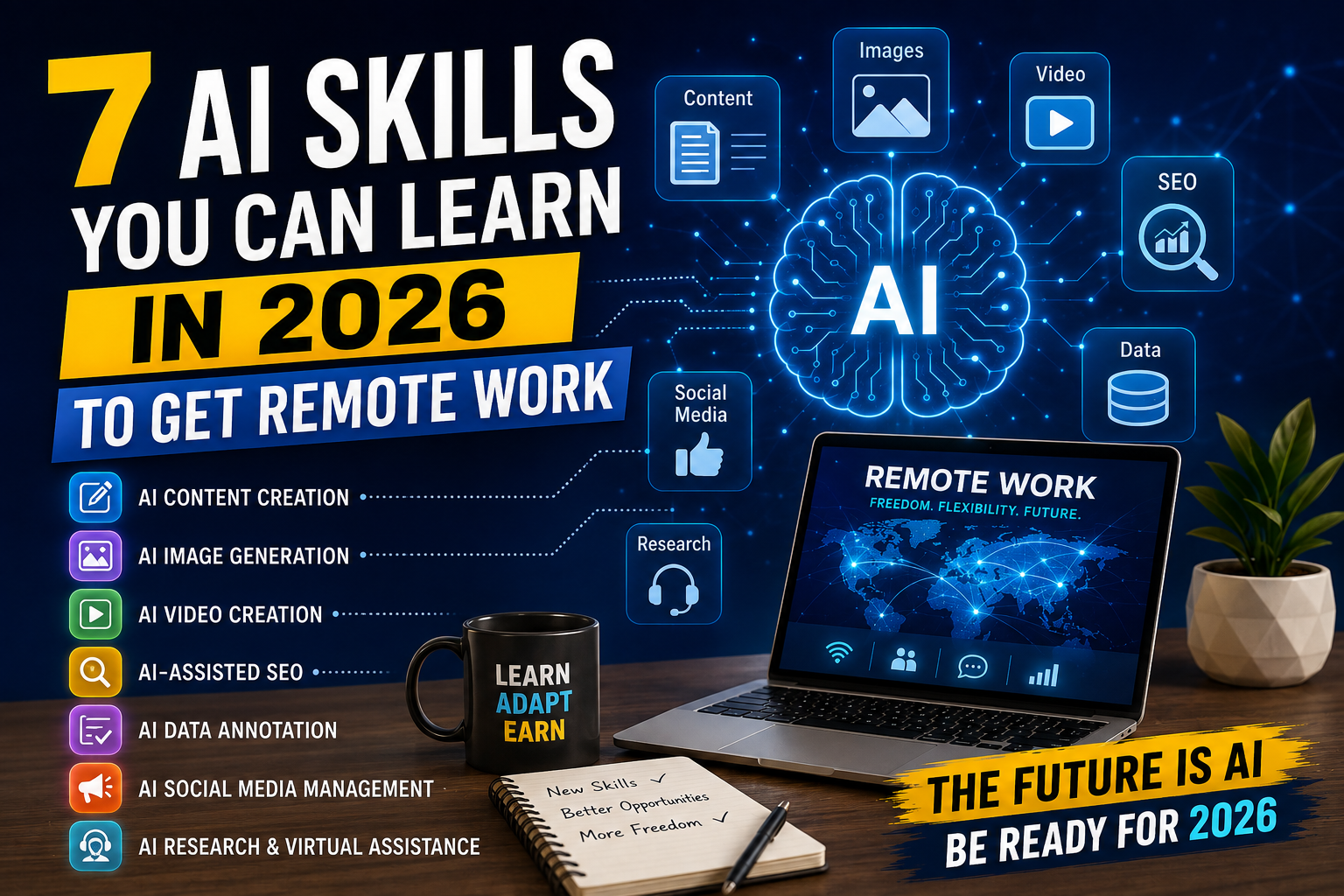
7 AI Skills for Remote Work You Can Learn in 2026
The way people work online is changing quickly. Artificial intelligence is becoming part of writing, marketing, research, customer support, design, data analysis, and many other digital tasks.
For people who want to work remotely, this creates new opportunities to develop useful skills. You do not necessarily need a computer science degree or years of programming experience to start learning how to use AI.
The important thing is to learn how AI can help you solve real problems.
Developing practical AI skills for remote work can help beginners prepare for different digital roles.
In this guide, we will look at 7 AI skills for remote work that beginners can start learning in 2026. You will also learn how to practice these skills, build a simple portfolio, and look for remote opportunities.
What Are AI Skills for Remote Work?
AI skills for remote work are practical abilities that help you use artificial intelligence to complete digital tasks more efficiently.
These skills can include writing with AI assistance, creating content, analyzing information, automating repetitive tasks, researching topics, creating visual content, and working with AI-powered software.
You do not need to become an AI engineer to benefit from these skills.
For many remote jobs, the useful combination is:
AI tools + a practical skill + communication + problem-solving.
For example, someone who already understands social media can use AI to create content ideas faster. A writer can use AI to organize research and improve drafts. A business assistant can use automation tools to reduce repetitive administrative work.
The goal is not simply to use AI. The goal is to use it to produce a useful result.
7 AI Skills for Remote Work to Learn in 2026
1. AI Writing and Content Creation
Writing is one of the most accessible areas for beginners who want to learn AI skills for remote work.
AI tools can help with brainstorming, outlining, rewriting, summarizing, and organizing information. However, human review is still important because AI-generated content can contain mistakes, repetition, or unsupported information.
You can combine AI with writing skills to provide services such as:
-
Blog content
-
Social media captions
-
Email newsletters
-
Product descriptions
-
Website copy
-
Short video scripts
-
Content outlines
-
Editing and rewriting
A beginner could start by learning how to create a content brief, generate a draft, fact-check it, and then edit it into natural language.
10 Free AI Tools You Can Use to Make Money Online in 2026
How to Practice AI Writing
Choose one topic you understand and create several different pieces of content.
For example:
-
Write a 500-word article.
-
Create five social media posts from the same article.
-
Turn the main ideas into a short video script.
-
Create an email newsletter from the same information.
-
Edit everything manually.
This teaches you how to reuse information without simply copying AI output.
Remote Opportunities
AI-assisted writing can be useful for freelance writers, content assistants, marketing teams, bloggers, and small businesses.
The most valuable skill is not pressing a button to generate text. It is understanding what the client needs and delivering content that matches the audience and purpose.
2. AI Prompting and Workflow Design
Prompting means giving an AI system clear instructions so it can produce a useful result.
Good prompting is more than asking a simple question.
A useful prompt can include:
-
The task
-
Context
-
Target audience
-
Desired format
-
Examples
-
Restrictions
-
Quality requirements
For example, instead of asking:
“Write a social media post.”
You could explain the business, audience, platform, objective, tone, length, and call to action.
Why Workflow Design Matters
A single prompt can be useful, but a complete workflow can be much more powerful.
For example:
Research → outline → draft → fact-check → edit → final content
You can create repeatable workflows for common tasks.
This skill can be useful for virtual assistants, content creators, marketers, researchers, and online businesses.
How to Practice
Take one task that you perform repeatedly and break it into steps.
Then determine where AI can help.
For example:
Task: Create a weekly social media plan.
Workflow:
-
Identify the target audience.
-
Choose weekly topics.
-
Generate content ideas.
-
Create draft captions.
-
Review the information.
-
Edit the captions.
-
Prepare the final content calendar.
This approach teaches you to use AI as part of a process rather than as a replacement for your judgment.
3. AI Automation
Automation is another valuable area to explore.
Businesses often repeat the same tasks every day or every week. Some of these tasks can be connected through automation platforms and AI-powered tools.
Examples include:
-
Organizing form submissions
-
Sending notifications
-
Creating draft emails
-
Moving information between applications
-
Summarizing customer messages
-
Organizing leads
-
Updating spreadsheets
-
Generating reports
You do not have to start with complicated programming.
Many automation platforms provide visual interfaces where users can connect different services.
Example of an AI Automation Workflow
Imagine a business receives customer questions through an online form.
A basic workflow could:
-
Receive the form submission.
-
Save the information.
-
Organize the question.
-
Generate a draft response.
-
Notify the appropriate team member.
A human can then review the draft before sending it.
This combination of automation and human review can make workflows faster while keeping an important quality-control step.
Skills to Learn
Start by understanding:
-
Triggers
-
Actions
-
Conditions
-
Data fields
-
APIs at a basic level
-
Error handling
-
Human approval steps
You do not need to master everything immediately.
4. AI Data Analysis
Data analysis is another useful skill for remote work.
Many businesses work with spreadsheets, sales information, customer data, website statistics, and other datasets.
AI can help users understand data, identify patterns, create formulas, summarize information, and prepare reports.
However, you should not blindly trust AI-generated calculations.
Always check important numbers and formulas.
Beginner Data Tasks
A beginner can practice by working with a simple spreadsheet.
For example, create a dataset containing:
-
Product name
-
Sales
-
Cost
-
Profit
-
Date
-
Category
Then use spreadsheet tools to calculate totals and averages.
AI can help explain formulas and suggest ways to organize the information.
What You Can Eventually Offer
With enough practice, you could provide services such as:
-
Spreadsheet cleanup
-
Basic reports
-
Data organization
-
Sales summaries
-
Simple dashboards
-
Research tables
More advanced data analysis may require knowledge of Excel, Google Sheets, SQL, Python, or specialized analytics software.
5. AI-Assisted Graphic Design
Visual content is important for websites, social media, presentations, advertisements, and online businesses.
AI-powered design tools can help generate ideas, resize content, remove backgrounds, create variations, and speed up parts of the design process.
But good design still requires human decisions.
You need to understand:
-
Layout
-
Typography
-
Visual hierarchy
-
Branding
-
Readability
-
Image selection
-
Audience expectations
Beginner Projects
Create a small portfolio containing:
-
Three social media graphics
-
One YouTube thumbnail
-
One simple presentation cover
-
One promotional graphic
-
One blog featured image
Then compare your first designs with later versions and improve them.
The objective is to develop design judgment while using AI to speed up repetitive tasks.
6. AI Video and Audio Production
Video content continues to be useful for businesses, creators, educators, and online brands.
AI can assist with parts of the video production process, including:
-
Script ideas
-
Video outlines
-
Captions
-
Transcription
-
Voice cleanup
-
Basic editing
-
Content repurposing
For example, one long video can potentially be turned into several shorter pieces of content.
A Simple Workflow
A basic content workflow could look like:
Long video → transcript → key ideas → short scripts → captions → short videos
The AI tool can help with parts of this process, while the creator reviews the final material.
Remote Services
Someone who develops this skill could eventually offer:
-
Short-form video editing
-
Caption creation
-
Video repurposing
-
Podcast-to-video content
-
Short video scripts
-
Basic content packaging
You do not need to start with expensive equipment. A computer, basic editing software, and consistent practice can be enough to begin learning.
7. AI Research and Information Management
Research is another useful skill for remote workers.
Businesses and creators often need information organized before they can make decisions or publish content.
AI can help summarize documents, organize notes, generate research questions, and structure information.
But research requires careful verification.
AI systems can produce incorrect information, so important claims should be checked against reliable sources.
Example Research Workflow
Suppose a client wants research about a specific market.
You could:
-
Define the research question.
-
Find reliable sources.
-
Collect relevant information.
-
Organize the findings.
-
Use AI to help summarize information.
-
Verify important claims.
-
Create a clear report.
This combination of research skills and AI assistance can be useful for virtual assistants, content researchers, marketers, and business support roles.
How to Learn AI Skills Without a Degree
You do not necessarily need a university degree to begin developing these skills.
Start with one skill and practice it consistently.
A simple learning process is:
Learn → Practice → Create → Review → Improve
For example, if you choose AI writing, do not spend weeks only watching tutorials.
Learn one concept and immediately create something.
If you want to learn automation, build a small workflow.
If you want to learn data analysis, create a spreadsheet and analyze it.
Practical projects give you something concrete to show potential clients or employers.
How to Build an AI Skills Portfolio
A portfolio can be more useful than simply saying that you know how to use AI.
Create examples that demonstrate what you can actually do.
Your portfolio could contain:
Writing Portfolio
-
Two blog articles
-
Five social media posts
-
Two product descriptions
Design Portfolio
-
Three social graphics
-
One presentation
-
One blog image
Automation Portfolio
-
A simple workflow diagram
-
A form-to-spreadsheet workflow
-
An example notification system
Data Portfolio
-
A cleaned spreadsheet
-
A simple report
-
A basic chart
You do not need dozens of projects.
Start with three to five strong examples.
How to Find Remote Work With AI Skills
Once you have a useful skill and several examples, start looking for opportunities.
Potential sources include:
-
Freelance marketplaces
-
Remote job boards
-
Professional networking platforms
-
Company career pages
-
Online communities
-
Direct outreach
-
Personal networking
Search for jobs using both the skill and the type of work.
For example:
-
AI content writer
-
Content assistant
-
AI automation assistant
-
Virtual assistant
-
Data assistant
-
Social media assistant
-
Video content assistant
-
Research assistant
Do not limit yourself to job titles containing the word “AI.”
Many companies may want people who can use AI tools as part of a broader role.
A 30-Day Plan to Learn AI Skills for Remote Work
Week 1: Choose One Skill
Choose one area from the seven skills in this guide.
Do not try to master everything at once.
Spend the first week learning the basic concepts and tools.
Week 2: Practice Every Day
Create small projects.
For example:
-
Write one article.
-
Create one content calendar.
-
Analyze one spreadsheet.
-
Build one automation.
-
Edit one short video.
The exact project depends on your chosen skill.
Week 3: Build Your Portfolio
Choose your best work and organize it into a simple portfolio.
Explain:
-
What the project was
-
What problem it solved
-
Which tools you used
-
What your process was
-
What the final result looked like
Week 4: Start Looking for Opportunities
Create a simple profile and begin contacting potential employers or clients.
Apply for suitable opportunities consistently.
Keep improving your portfolio based on feedback.
Common Mistakes to Avoid
Trying to Learn Everything at Once
AI is a huge field.
Trying to learn writing, coding, automation, design, data analysis, and video editing simultaneously can slow your progress.
Choose one skill first.
Depending Completely on AI
AI can make mistakes.
Always review important information and check the final result.
Creating a Portfolio With Only Generic AI Output
A portfolio should demonstrate your ability to solve problems.
Add your own organization, editing, design decisions, research, and explanations.
Buying Too Many Tools
You can start learning with free or low-cost tools.
Do not subscribe to multiple services before you know which tools you actually need.
Expecting Immediate Remote Income
Learning a skill takes time.
Finding a remote opportunity can also take time.
Treat the first stage as building skills, examples, and experience.
Frequently Asked Questions
What are the best AI skills for remote work?
Useful areas include AI-assisted writing, prompting and workflow design, automation, data analysis, graphic design, video production, and research. The best skill for an individual depends on their existing abilities and the type of work they want to do.
Can beginners learn AI skills?
Yes. Many AI tools are designed to be accessible to non-programmers. Beginners can start with practical applications such as writing, research, content creation, and basic automation.
Do I need coding skills to work with AI?
Not necessarily. Some AI-related roles require programming, but many jobs use AI as part of writing, marketing, administration, design, research, and customer support.
How long does it take to learn an AI skill?
There is no single timeframe. Basic familiarity with a tool can take days or weeks, while developing professional-level skills can take much longer. Consistent practice is more important than trying to learn everything quickly.
Can AI skills help me get a remote job?
AI skills can be useful for remote work, but they do not guarantee employment. Employers may also look for communication, reliability, problem-solving, industry knowledge, and other job-specific skills.
Should I learn one AI tool or several?
Start with one or two tools that match your chosen skill. Once you understand the workflow, you can learn additional tools when they provide a clear benefit.
Building practical AI skills for remote work takes consistent practice and real projects.
Final Takeaway
Learning AI skills for remote work can be a practical way to develop digital capabilities in 2026.
You do not need to become an AI engineer to get started.
Choose one skill, practice it through real projects, build a small portfolio, and learn how to use AI responsibly.
The most useful combination is not simply knowing how to use an AI tool. It is being able to understand a problem, use the right tools, check the results, and deliver something valuable.
Start with one skill today.
Then build from there.